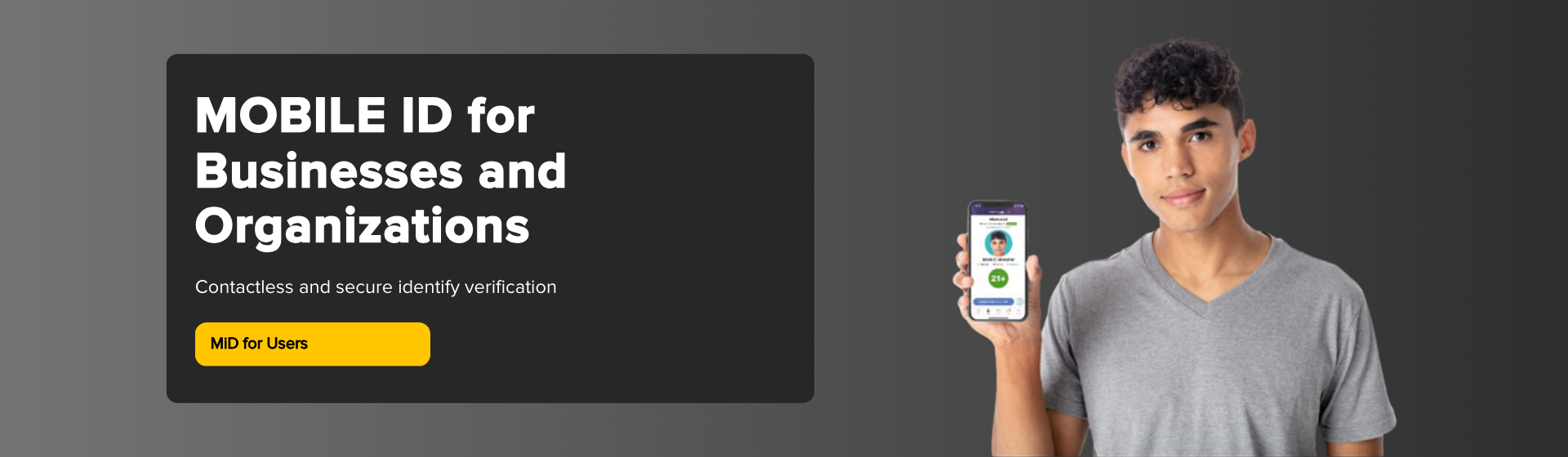
Verification of identity or age is a routine part of doing business today.
Kentucky Mobile ID gives businesses a secure, convenient way to confirm a customer’s age or identity.
Available on compatible Apple and Android devices, this digital driver’s license or ID provides a trusted alternative
to physical cards—streamlining verification, enhancing privacy, and improving the overall customer experience.
Benefits of Accepting a Mobile ID
Real-time verification
Confirm identity or age in real time using a state-approved Mobile ID.
Stronger protection against fraud
Encrypted digital security reduces the risk of accepting fake, altered, or expired IDs.
Automatic, up-to-date information
Information updates can be reflected so the credential stays current.
Privacy-first data sharing
Request only what you need for the transaction—such as a photo or “over 21” status.
Contactless, fast verification
Scan a QR code (or use NFC if supported) without handling a physical card.
Free, easy-to-use verification app
Use the MiD Verify app (Apple/Android) for simple, no-cost credential checks.
Business Considerations
As Kentucky Mobile ID adoption continues to grow, consider what you need to accept and verify a digital credential.
How do you verify identity today?
- Scanning a 2D barcode
- Visual inspection of a physical card
- Manual entry of credential details
Note: Traditional barcode scanning/visual inspection methods may not apply to digital credentials.
Systems and tools available to you
- Smartphones or tablets
- Point-of-sale systems
- Handheld scanners
- Online store / secure website
Information you actually need
- Photo (identity match)
- Age status (e.g., “over 21”)
- Name (when needed for account/pickup)
Request only what’s necessary to reduce liability and protect customer privacy.
Get Started with Mobile ID Verification
Choose a verification path, then equip your staff with the right tools. Start simple with the MiD Verify app,
or explore SDK/API options for integrated systems.
Choose the Verification Option that Works for You
Choose whether partnering with a verification vendor or building a verification system works best for your business.
KYTC does not require or endorse a specific vendor.
Verification tools should be ISO 18013-5–compliant and include Kentucky’s public key.
Watch a quick overview of Kentucky Mobile ID verification options for businesses.
1
MiD Verify App
Use a smartphone or tablet to scan a customer’s QR code and confirm it is a state-approved Mobile ID.
One example is the MiD Verify App.
2
Software Development Kit (SDK)
Integrate an MiD SDK into an existing point-of-sale system or another verification solution.
If you’re used to scanning a 2D barcode or visually inspecting a physical card, those methods may not apply to MiD.
3
Application Program Interface (API)
Configure online systems to accept MiD when a user logs into a secure website.
Your system generates a QR code requesting information from an MiD user.
Once scanned and accepted, requested information is transferred to your system.
TIP: Most verification tools can be configured to request only the information needed for the transaction.
Prepare Your Equipment, Staff, and Business
1
Roll Out Equipment or Software
Install the MiD Verify app or integrate the API/SDK into your systems.
2
Train Your Staff
Make sure employees know how to verify a Mobile ID using your chosen method.
3
Test the Experience
Have staff/friends test Kentucky Mobile ID at your business to confirm everything works smoothly.
4
Promote MiD Acceptance
Let customers know you accept Kentucky Mobile ID through signage and messaging.
Tip: Promoting Mobile ID acceptance helps customers feel confident using their digital credential and can speed up verification.
Frequently Asked Questions
The right contact depends on which verification option your business is using:
MiD Verify App
App support
If you’re having issues with the MiD Verify App, contact IDEMIA, as they manage and support it.
SDK / API
Integration support
If you’re using an SDK or API, your technical point of contact is your vendor
or your organization’s IT department (whoever manages the integration).
Public Key
Download issue/general questions
If you’re having trouble downloading Kentucky's public key, please email us.
The Mobile ID system will verify it is the individual – and only that person – because our system will read embedded security details in the individual’s physical license or ID. We’ll ensure the individual’s personal information matches our records and use facial recognition technology to make sure their selfie matches the picture in our records.
The adoption of mobile ID is on the rise. A recommended international standard (ISO 18013-5) for mobile IDs was developed to provide a seamless experience across states or countries. Kentucky has followed that standard. For users from other states to use their mobile ID in Kentucky, their mobile ID would need to follow that same standard, and you would need to have that user’s state certificate information built into your verification system.
If you're not sure whether the customer’s mobile ID uses the same standard, you can quickly scan it to see if it works. If it does not work, you can revert to your current ID verification process.